
The short answer
Google Search Console cannot show you AI answer engine performance. It reports Google Search only. Citations in ChatGPT, Perplexity or Claude do not appear in it, and AI Overview impressions are not broken out as a separate dimension.
What Search Console can tell you is which questions Google already shows you for, and at what position. Pair that with your own server logs and referral data and you get a workable AEO measurement stack without buying anything.
Most articles about AEO analytics skip the uncomfortable part: the tool everyone already has cannot see the thing everyone wants to measure.
That does not make Search Console useless for AEO. It makes it one of three sources, and it is the one that tells you where demand already exists. Here is how to use it, what it cannot do, and what to pair it with.
What Search Console can and cannot see
| Question | Can GSC answer it? | What to use instead |
|---|---|---|
| Which questions does Google show me for? | Yes | Performance report, filtered to question queries |
| What position am I in? | Yes | Average position, per query and per page |
| Am I cited in an AI Overview? | No | Manual checks, or a citation tracker |
| Am I cited in ChatGPT or Perplexity? | No | Query the engines directly and log results |
| Are AI crawlers fetching my pages? | No | Server access logs, or a crawler log |
| Is AI sending me visitors? | No | Referrer headers in your own analytics |
Myth
A drop in clicks with steady impressions proves AI Overviews are stealing your traffic.
It is consistent with that, and it is also consistent with a ranking slip, a SERP layout change, seasonality, or a title that stopped earning the click. Search Console does not label AI Overview impressions, so the honest statement is “clicks fell while impressions held”, not a diagnosis.
The three sources that make a real stack
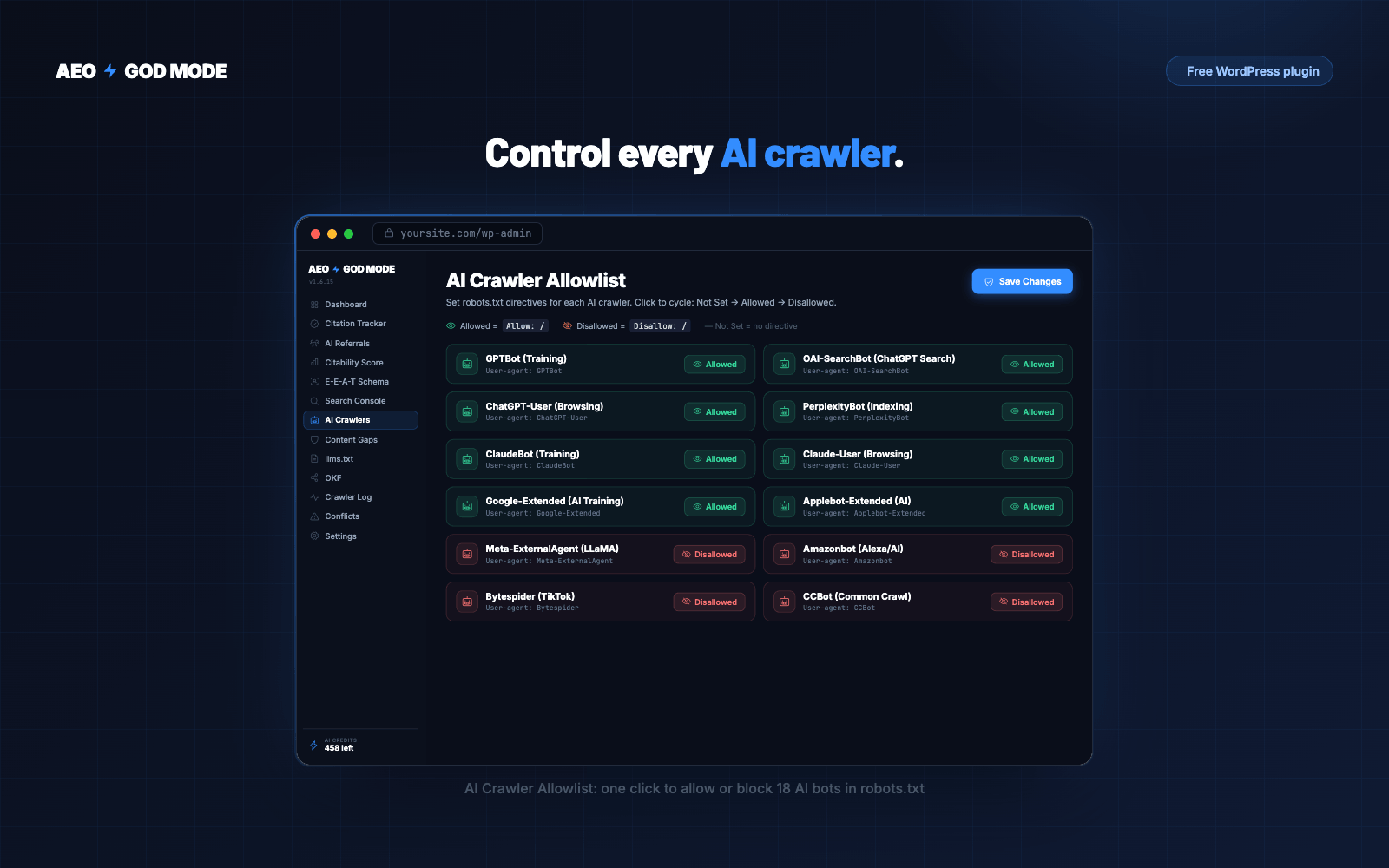
Search Console will not show you crawler access. The free plugin logs every AI bot visit and the status code it received. Download it free.
Getting the useful view out of Search Console
-
Filter to question queries
Performance, then a query filter containing “how”, “what”, “why”, “can”, “does”. These are the queries most likely to be answered rather than clicked, and they are where answer formatting pays.
-
Sort by impressions, not clicks
High impressions with near-zero clicks is the AEO signal. Google is showing you and nobody is choosing you. That is either a position problem or a snippet problem, and the next column tells you which.
-
Split by position band
Position 4 to 20 with no clicks is a page quality problem: you are visible and unconvincing. Position 20 or worse is a coverage problem: you need a better page, not a better title.
-
Compare 28 days against the prior 28
Track the direction of impressions separately from clicks. Rising impressions with flat clicks is the pattern to watch, and it usually means new queries are surfacing pages that were not written for them.
-
Export and keep it
Search Console only holds 16 months. If you want a real before-and-after on any AEO change, you need your own archive, exported monthly.
Pro tip
The single most useful AEO filter in Search Console is position between 4 and 20, sorted by impressions, clicks equal to zero. Every row is a query where Google already thinks you are relevant enough for page one or two, and where readers are declining to click. That list is your content plan, and it costs nothing to produce.
A worked example from our own data
Rather than a hypothetical, here is our own Search Console for the 90 days to 28 July 2026. We publish it because the shape is instructive and because almost nobody shows their own numbers.
non-brand impressions
Google shows us for 376 non-brand queries.
non-brand clicks
A 0.32% click-through rate on all that visibility.
weighted average position
Page five. Visible, but not where anyone looks.
impressions, six weeks
Demand is growing while clicks are not.
Read those four numbers together and the diagnosis is unambiguous, and it is not the one we expected. Demand is not the constraint. We had one indexed blog post against nearly 5,000 impressions of demand, so almost every query landed on a feature page that was not written to answer it.
That is what a Search Console AEO audit is for. Not a score, a diagnosis. Ours said “write pages”, which is duller and more useful than any dashboard metric.
What to pair it with
| Signal | Where it lives | What it tells you |
|---|---|---|
| AI crawler hits | Server access log | Whether GPTBot, ClaudeBot, PerplexityBot and Google-Extended can reach you at all |
| Referral visits | Analytics referrer report | Which engine sends real people, and whether they convert |
| Citation checks | Manual, or a tracker | Whether an engine names you for a question you care about |
| Competitor citations | Manual, or a tracker | Who gets quoted instead, and whether they are beatable |
Worth knowing
Referral data is the most under-used of the four, and the only one that connects an AI engine to revenue. Our own checkout asks how people heard about us, and the answers include ChatGPT, Gemini and Reddit by name. That is a stronger business signal than any citation count, because it links an engine to a purchase rather than to a mention.
What not to measure
- A single “AEO score”. Any number combining schema completeness, word count and readability into one figure is a composite of things that do not share a unit. It will move without your citations moving.
- Schema completeness as a proxy for citations. Valid markup is worth having for result eligibility. It has never been shown to drive citation.
- Position as a proxy for citation. Ranking first on Google correlates with Google AI Overviews and Perplexity, and diverges sharply on ChatGPT and Claude. One number cannot stand in for four engines.
Get the three signals in one place
The free plugin includes the AI crawler log, so you can see which engines reach your pages. Connect Search Console for the question view described above.
- Crawler access, per bot
- Which pages they request
- Free, no account, no card
Keep reading
How to check which AI bots are crawling your site
Server logs are the only complete record. Analytics cannot see crawlers at all.
Answer engine optimization for WordPress: the complete setup
Access, structure and measurement. Ordered by how much the evidence supports each step.
Best AEO plugin for WordPress: an honest comparison including ours
Compared on capability, not adjectives. Including when you do not need one.
Frequently asked questions
Can Google Search Console show AI Overview data?
No. Search Console does not break out AI Overview impressions or clicks as a separate dimension. Appearances in AI Overviews are counted within ordinary Search performance, so you cannot isolate them.
Can Search Console track ChatGPT or Perplexity citations?
No. Search Console reports Google Search only. Citations in ChatGPT, Perplexity, Claude or Gemini never appear in it. You need to query those engines directly, or use a citation tracker, and pair that with referral data from your own analytics.
What is the best Search Console filter for AEO?
Position between 4 and 20, sorted by impressions, with zero clicks. Every row is a query where Google already considers you relevant but readers are not choosing you, which makes it a ready-made content priority list.
How do I know if AI is sending me traffic?
Check the referrer field in your analytics or server logs for hosts such as chatgpt.com, perplexity.ai and claude.ai. This is the only direct evidence that an AI answer sent a real person to your site.
Does a drop in clicks mean AI Overviews took my traffic?
Not on its own. Falling clicks with steady impressions is consistent with AI Overviews, and equally consistent with a position slip, a layout change, seasonality or a weaker title. Search Console does not label AI Overview impressions, so it cannot confirm the cause.