Pro Feature
Google Search Console data, read through an AEO lens
Connect Google Search Console in one click and see indexing status, AI-style queries and topical authority signals inside your WordPress dashboard, all in an AEO analytics platform.
No Google Cloud project. No JSON key files. Just click Connect.
Most GSC integrations force you to create a Google Cloud project, generate service account credentials and paste JSON keys into settings. AEO God Mode handles your Google Search Console data for AEO for you. Click Connect, authorise your Google account, and the plugin stores an encrypted refresh token. Your Google password never touches the plugin.
- Nothing to configure. OAuth 2.0 runs through a hosted proxy.
- Encrypted tokens. Your Google tokens are encrypted with bank-grade security.
- Property auto-resolve. Finds your GSC property whether it is domain, www or non-www.
- Easy exit. Disconnect any time with one click.
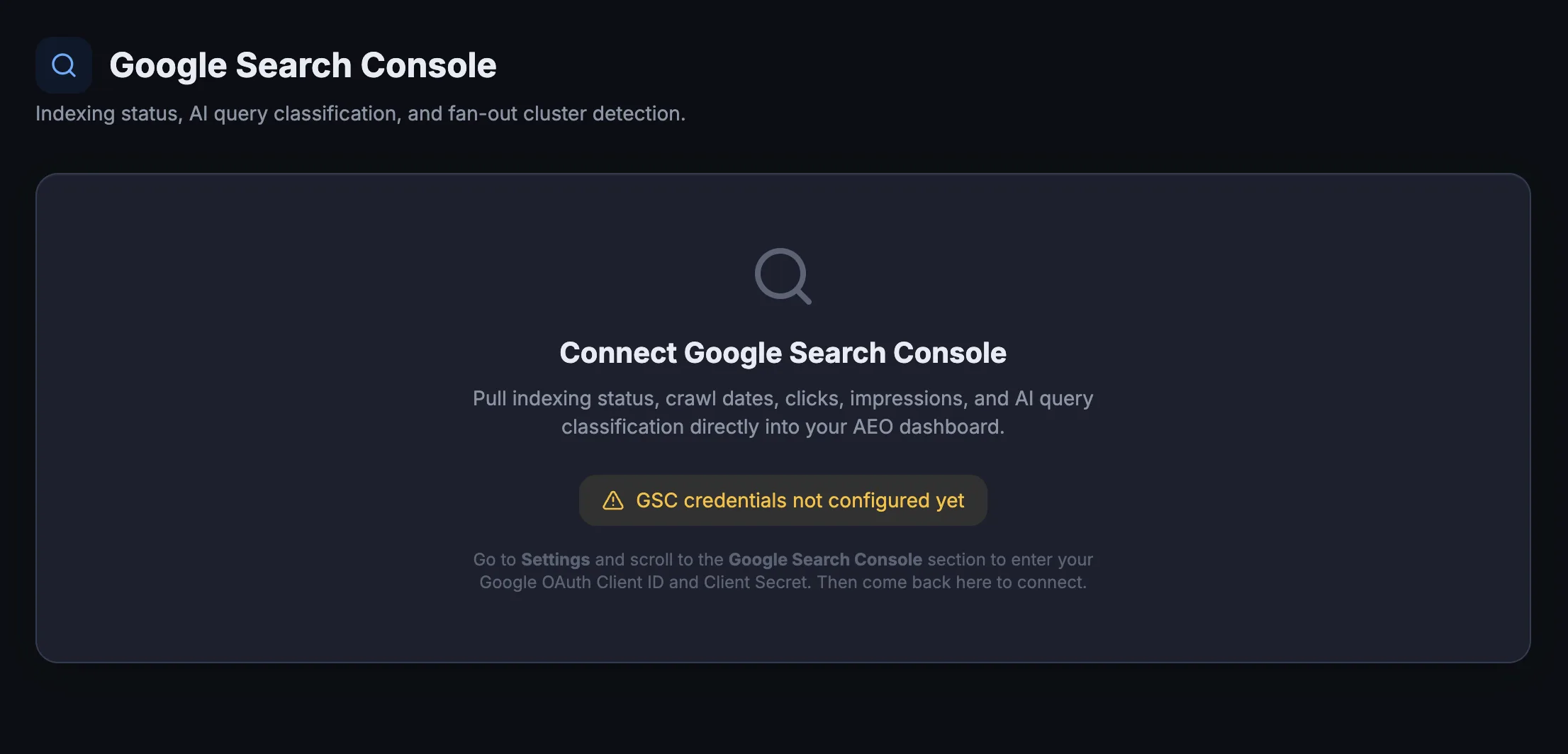
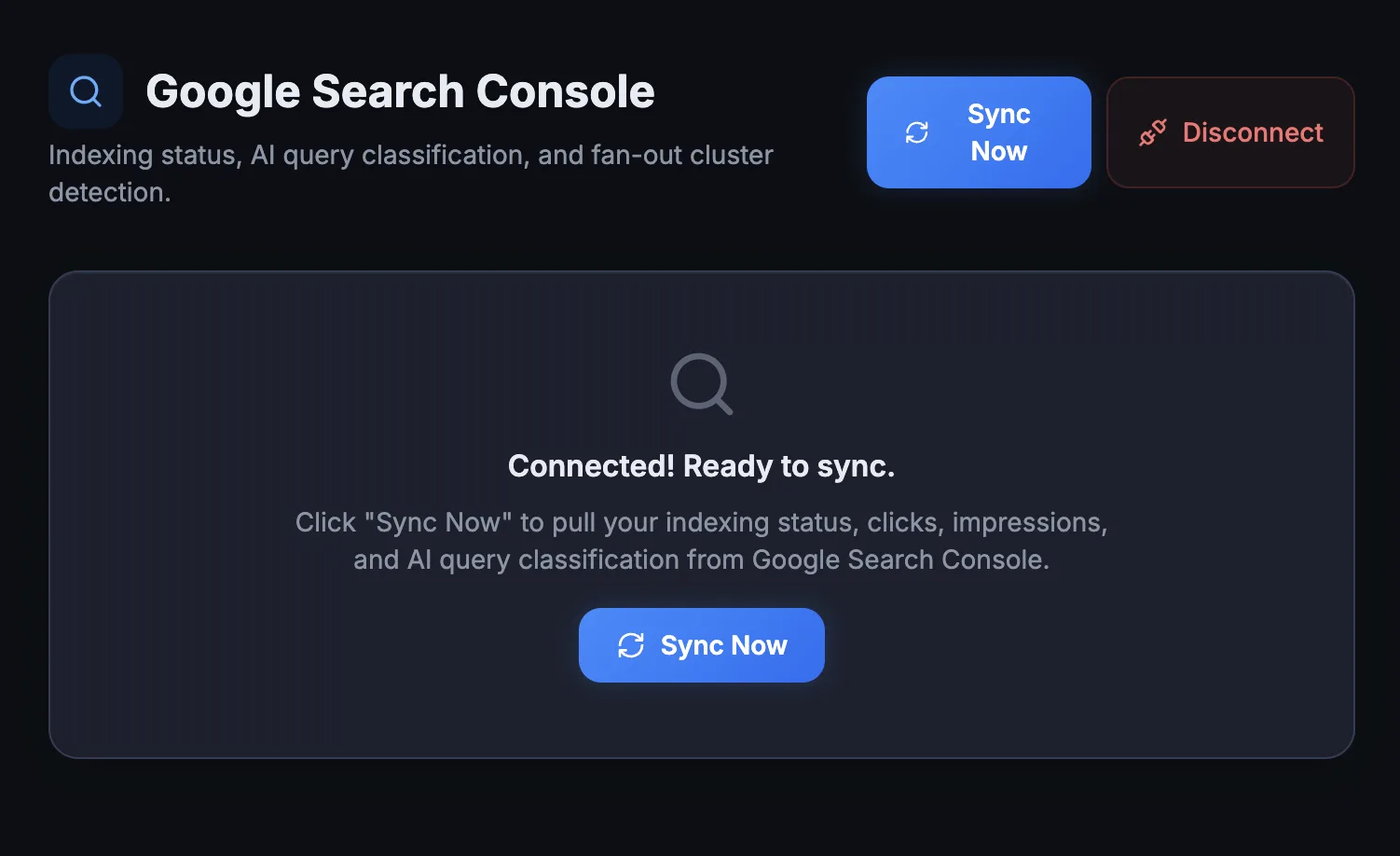
The pre-connect screen. One button, no credentials to paste.
Which pages are indexed, which are not, and why it matters for AEO
A page that Google has not indexed cannot appear in AI Overviews. And AI crawlers like GPTBot and OAI-SearchBot tend to follow Google’s index as a starting point. If your page is not in the index, it is invisible to every AI system that relies on web results. The Pages table shows indexing status, last crawl date, impressions and clicks for every published URL on your site.
- Indexing status. Indexed, Crawled but not indexed, or Excluded.
- Last crawl date. Tracked per page.
- Search performance. Impressions and clicks from Google Search.
- Background processing. Batches run via the URL Inspection API, 10 URLs per tick.
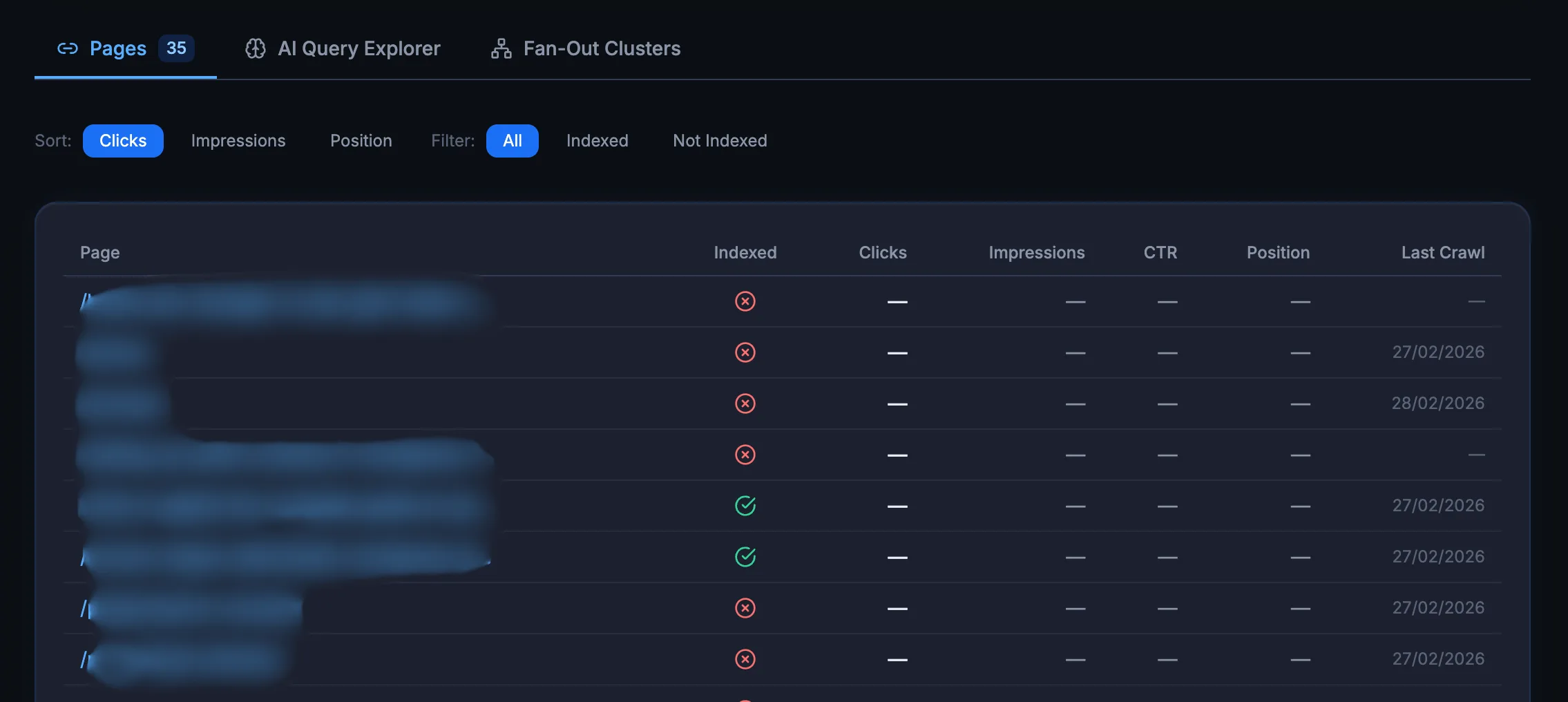
Every published URL with its indexing status in one table.
Which of your search queries look like AI prompts?
Not all search queries are typed into Google the same way. Some look like quick lookups. Others look exactly like the kind of question someone would paste into ChatGPT or Perplexity. The AI Query Explorer classifies every query your site receives using a 3-tier scoring system and assigns a probability score from 0 to 100.
- Length signals. Long queries of 75+ characters score higher.
- Question format. “What”, “How” and “Why” openers are scored.
- Comparison patterns. “X vs Y” queries are flagged automatically.
- Temporal markers. “In 2026”, “latest” and “current” are detected.
- Research intent. “Best X for Y”, “alternatives” and “comparison” patterns.
Queries that score 60+ are classified as high probability AI-style queries. A site with many high-scoring queries is likely getting traffic from people who also ask AI engines the same questions.
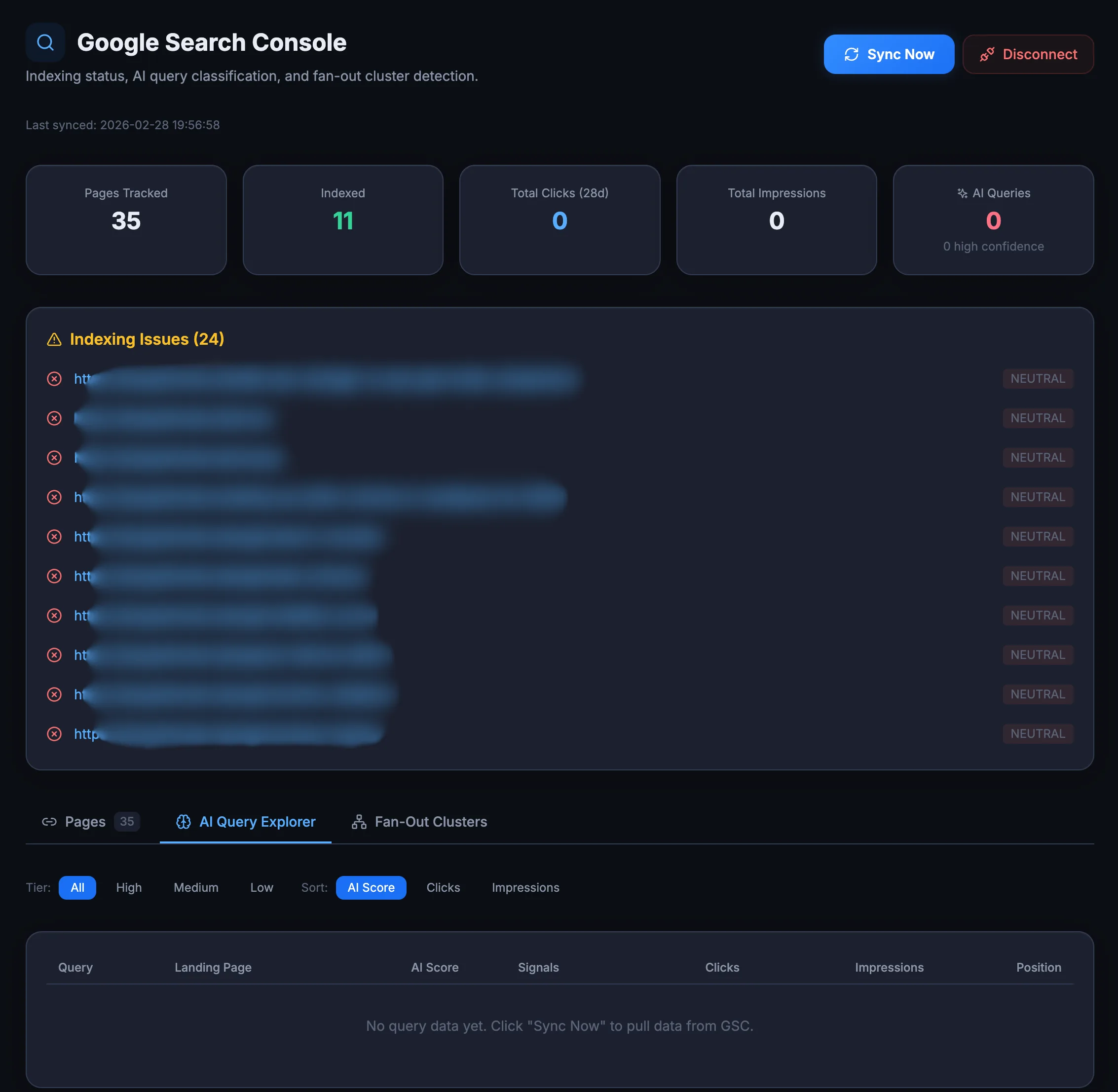
Every query classified with a 0 to 100 AI-probability score.
When Google returns multiple results from your site, you are winning
A fan-out cluster happens when a single search query triggers multiple pages from your domain in Google’s results. This is a strong signal of topical authority. If Google trusts your domain enough to show 3 or 4 of your pages for one query, AI engines are more likely to cite you as a source on that topic. The integration automatically detects these clusters from your GSC data and shows them in a dedicated panel, so you can see which topics your site dominates and which ones need more content to build depth.
- Auto-detected. Clusters are found in your GSC query data with no setup.
- Full detail. Shows the query, page count and total impressions.
- Authority map. Identifies your strongest topical authority areas.
- Content direction. Helps prioritise content expansion for AI citation potential.
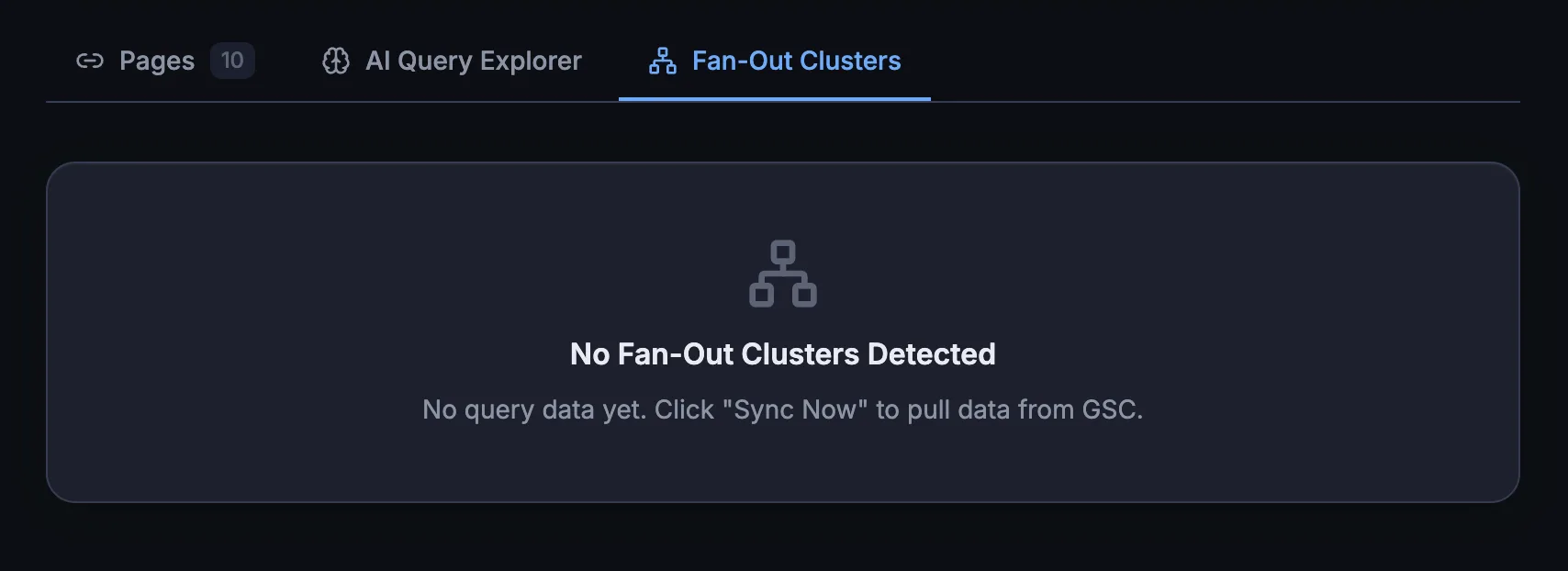
Queries where Google shows several of your pages at once.
Problems that block AI visibility, surfaced before they cost you
The integration surfaces GSC alerts directly in the AEO God Mode dashboard. Pages that were crawled but not indexed, excluded by noindex tags, or returning redirect errors all show up without you needing to open Google Search Console separately. This matters for AEO because an unindexed page is an invisible page.
- Crawled-but-not-indexed warnings. The quiet killer of AI visibility.
- Noindex exclusion flags. Spot accidental noindex tags fast.
- Redirect error detection. Broken chains surfaced automatically.
- One dashboard. All of it visible inside the plugin.
Connection status and indexing alerts in one view.
GSC data plus AI crawler data is the full picture
Traditional SEO tools show you Google data. AEO God Mode shows you AI crawler data. The GSC Integration puts GSC and AI answer data side by side so you can answer the question that matters: is this page indexed, crawled by AI bots, and structured for citation?
- Indexed and AI crawled. Your strongest candidate for AI citations. Schema and content quality determine the rest.
- Indexed, not crawled. Google sees it, but AI bots skip it. Check your robots.txt and AI Crawler Allowlist settings.
- Not indexed. Invisible to everything. Fix the indexing issue first. No amount of AEO optimisation helps an unindexed page.
Google Search Console Integration questions
No. AEO God Mode runs OAuth 2.0 through a hosted proxy, so there is no Google Cloud project to create, no service account and no JSON keys to paste. You click Connect, authorise your Google account, and you are done.
No. Authorisation happens on Google’s own pages. The plugin only receives a refresh token, which it stores encrypted with bank-grade security. You can disconnect and revoke access at any time with one click.
It classifies every search query from your GSC data using a 3-tier scoring system, checking length, question format, comparison patterns, temporal markers and research intent. Each query gets a probability score from 0 to 100, and queries scoring 60+ are flagged as high probability AI-style queries.
A fan-out cluster is when a single search query triggers multiple pages from your domain in Google’s results. It is a strong signal of topical authority, and the integration detects these clusters automatically from your GSC query data.
A page Google has not indexed cannot appear in AI Overviews, and AI crawlers like GPTBot and OAI-SearchBot tend to follow Google’s index as a starting point. An unindexed page is effectively invisible to every AI system that relies on web results, so fixing indexing comes before any other AEO work.
The plugin checks your published URLs in the background through Google’s URL Inspection API, processing 10 URLs per tick. The Pages table then shows indexing status, last crawl date, impressions and clicks for each URL.
See your Google data and your AI crawler data side by side
Connect Google Search Console in one click and find the pages holding back your AI visibility.