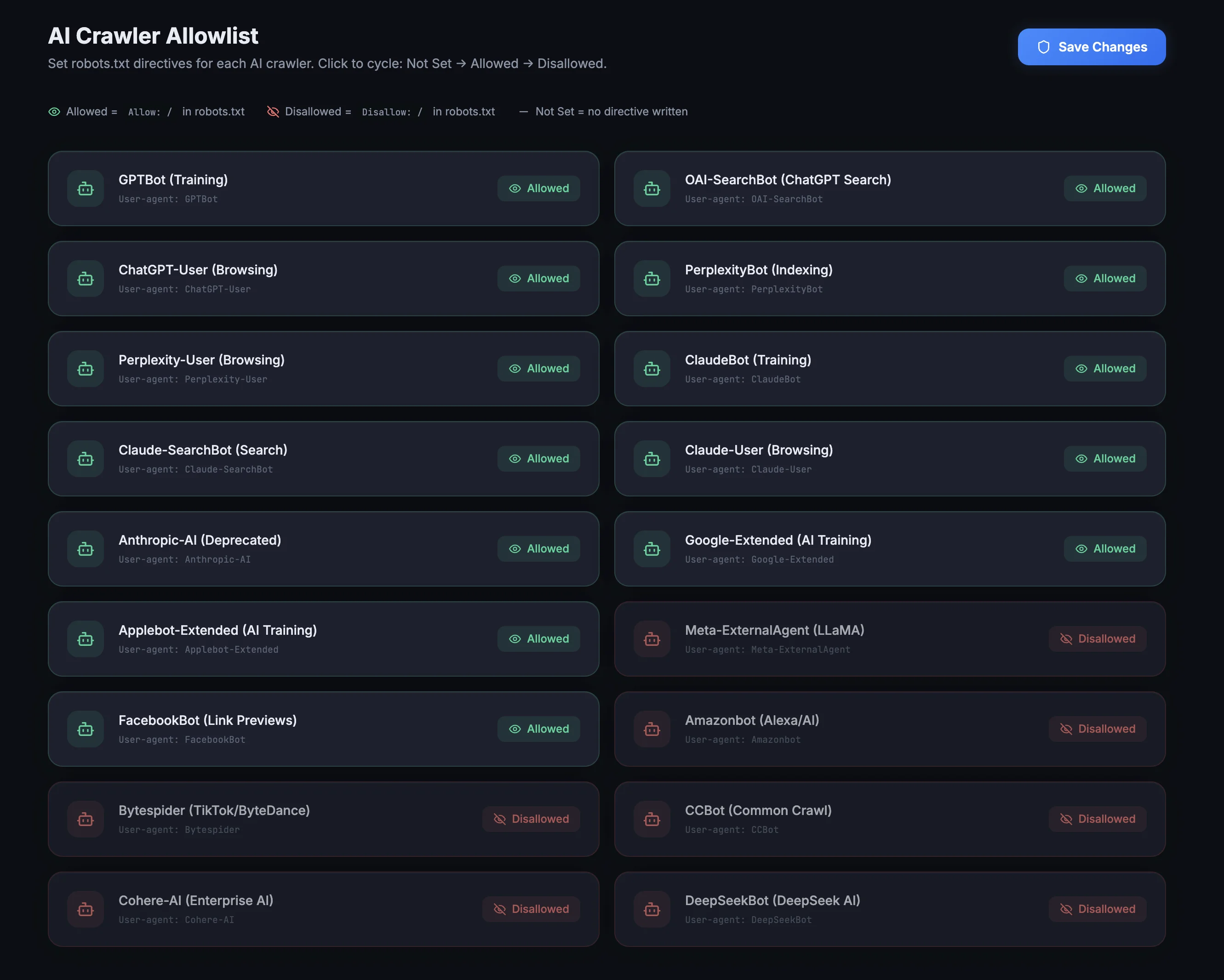
AI companies are scraping your content right now. Some send traffic back. Others just take. The Allowlist puts you in control of every AI crawler visiting your site.
This mirrors the actual plugin interface. Click any bot card to cycle through the three states. The robots.txt preview below updates in real time.
Over 20 AI crawlers are visiting WordPress sites daily. Some of them, like ChatGPT Search and Perplexity, send real traffic back to you. Others, like Bytespider and CCBot, scrape your content for AI training datasets and give you zero credit, zero traffic, zero compensation.
Most site owners have no idea this is happening. And WordPress gives you no way to control it.
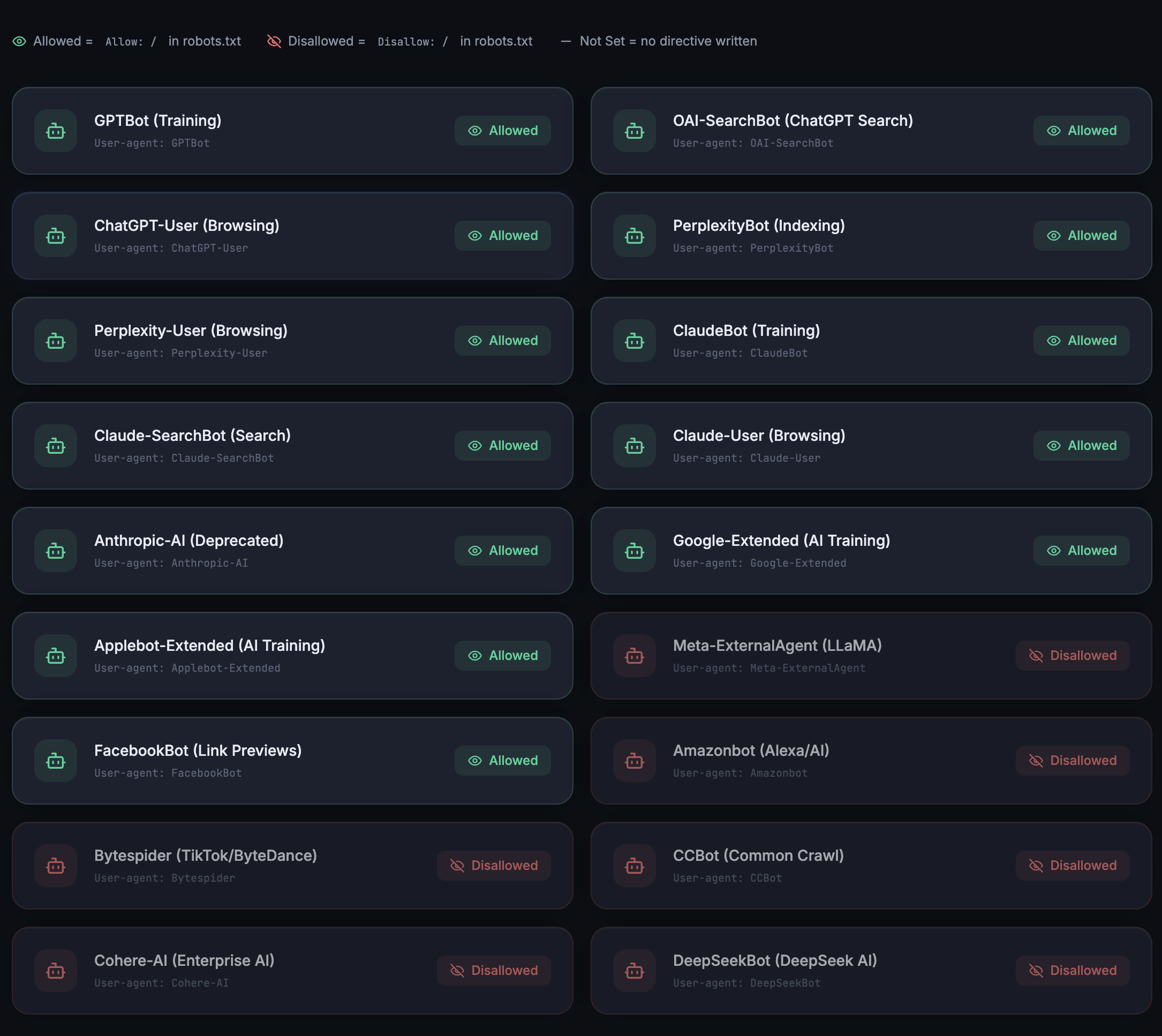
Each AI crawler gets a card. Click it to set the status: Allowed, Disallowed, or Not Set. The plugin writes the correct directives to your robots.txt automatically. No server config, no code, no .htaccess edits.
“Allowed” tells crawlers they can access your site. “Disallowed” blocks them completely. “Not Set” leaves them unmanaged. You stay in control of every single bot.
When ChatGPT Search, Perplexity, or Claude answers a question and cites your page, that’s a visitor you wouldn’t have gotten from traditional search. But those AI platforms can only cite you if their crawlers can access your content.
The Allowlist gives you the strategy: allow the crawlers tied to AI search engines (the ones that send traffic) and block the ones that only use your content for model training.
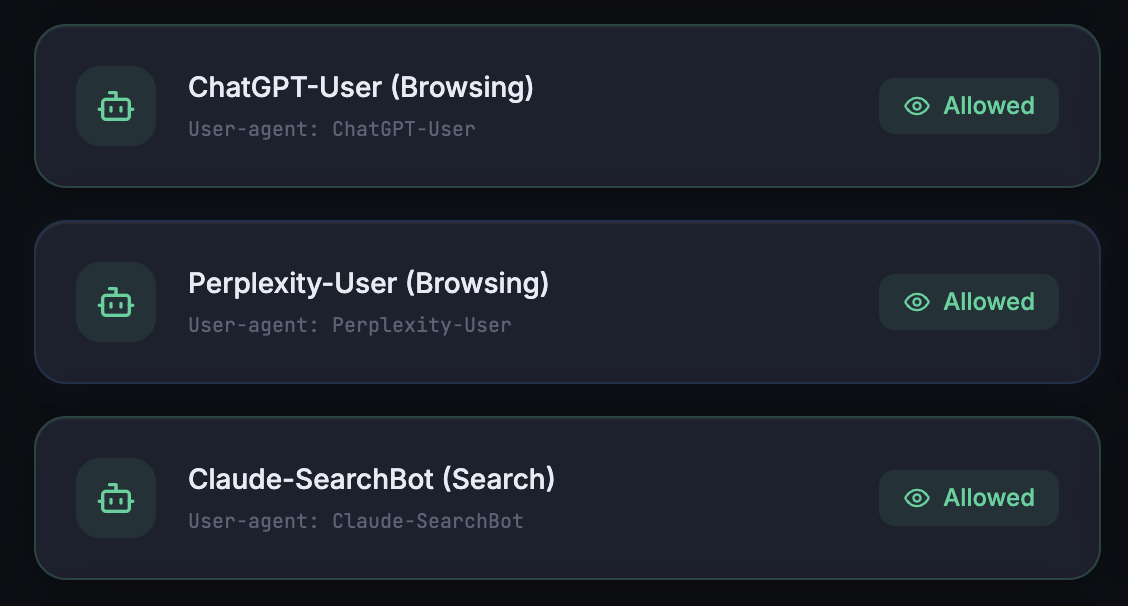
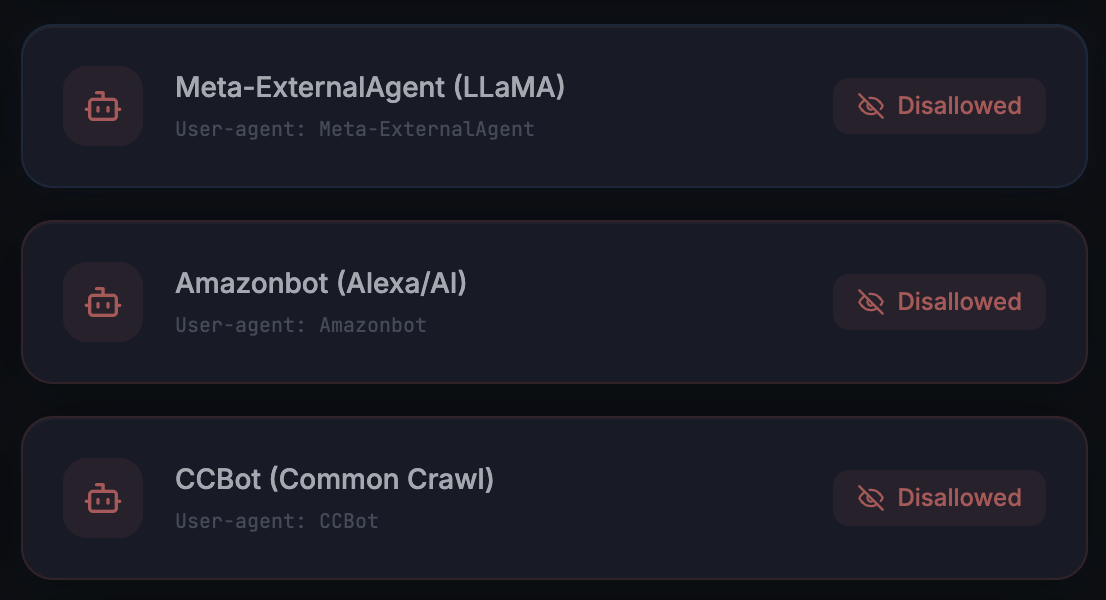
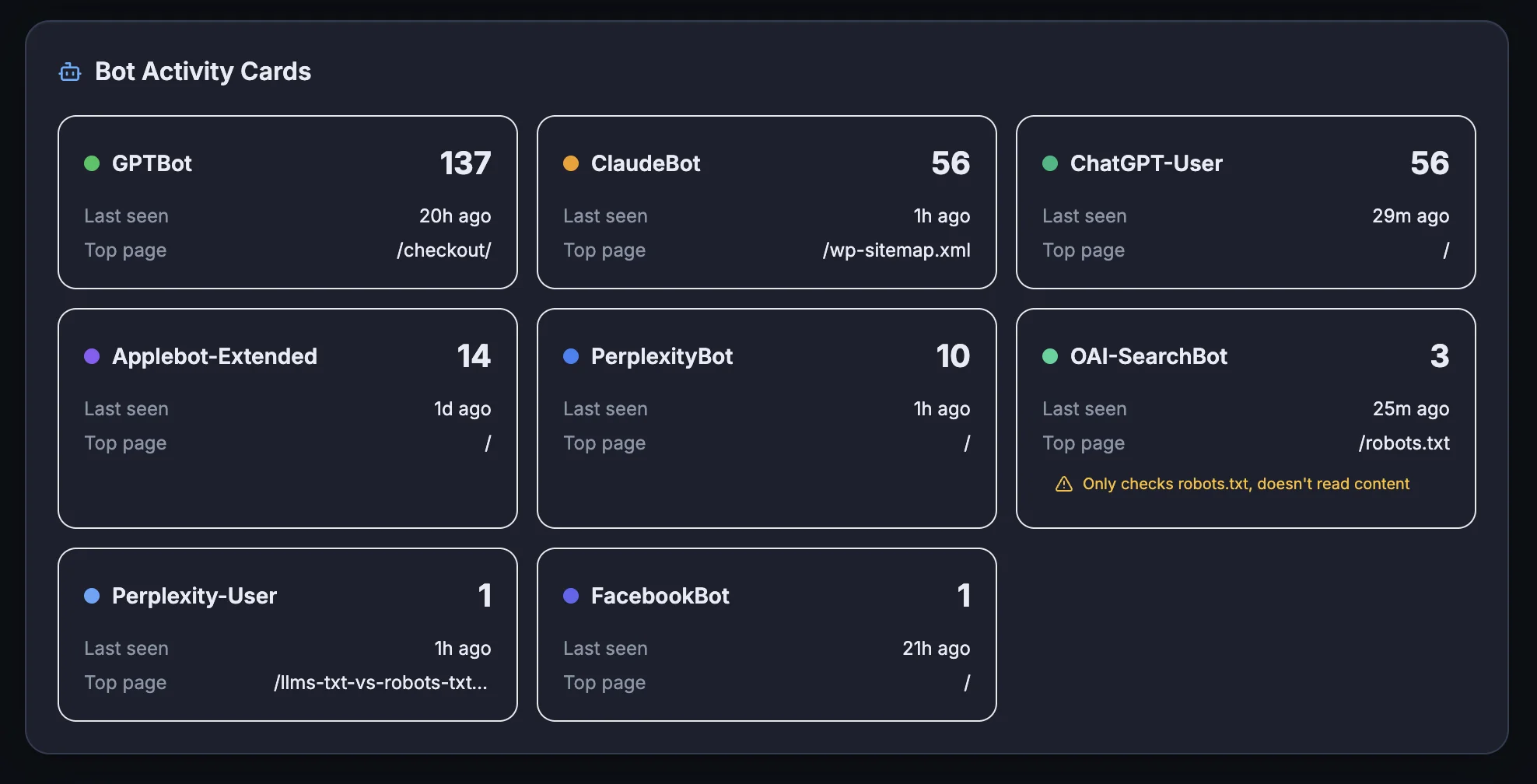
Here’s the strategy most site owners don’t know about: there are two types of AI crawlers. Search bots (GPTBot, PerplexityBot, ClaudeBot) power the AI search engines that cite and link to your pages. Training bots (Bytespider, CCBot, Meta-ExternalAgent) scrape content purely for model training with no attribution.
Allow the first group. Block the second. You get maximum AI visibility while protecting your content from uncompensated scraping. That’s the difference between showing up in AI answers and being invisible.