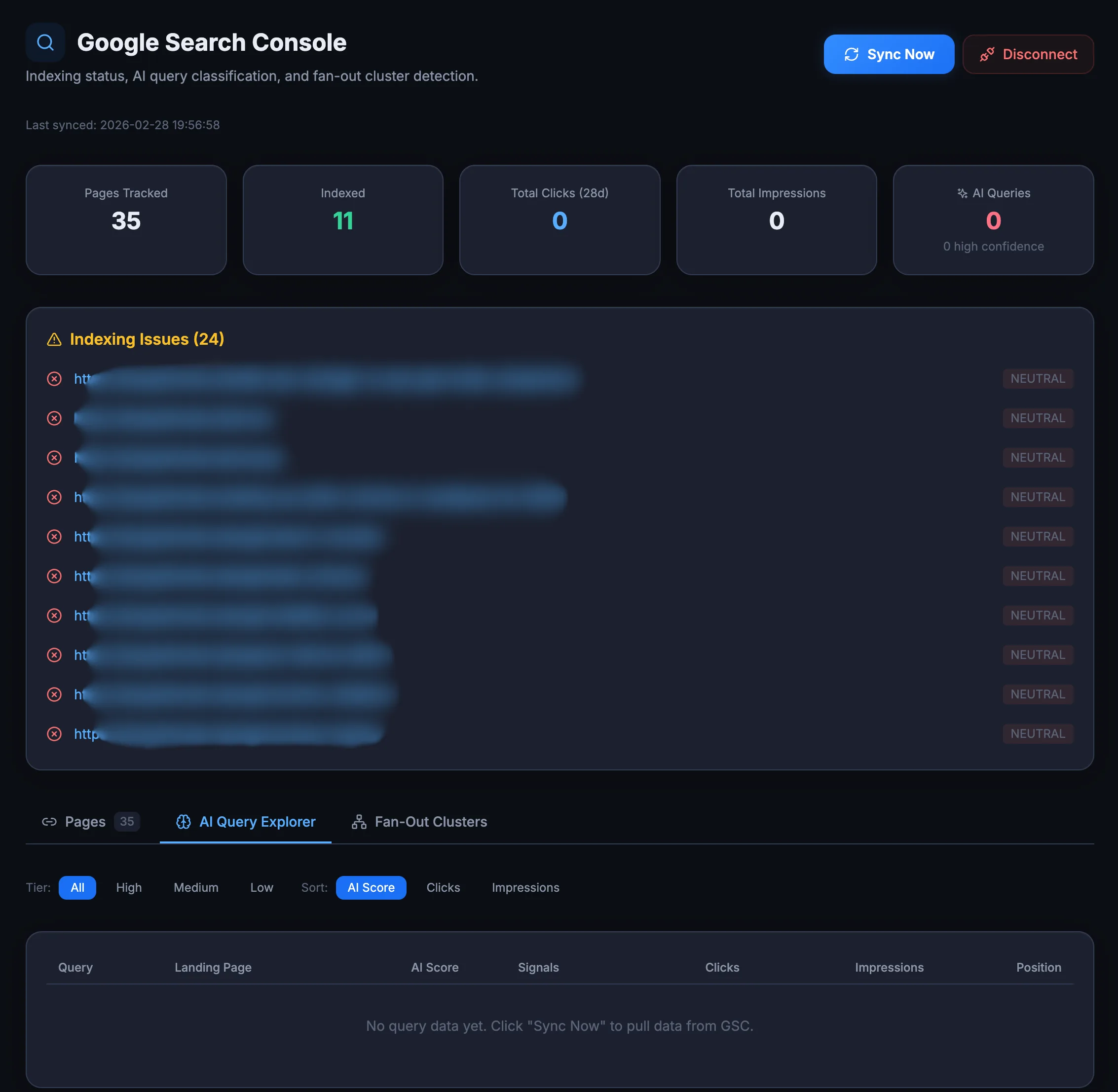
A page that's not indexed can't be cited. GSC Integration shows you which pages are indexed, which aren't, and how that overlaps with your AI crawler data.
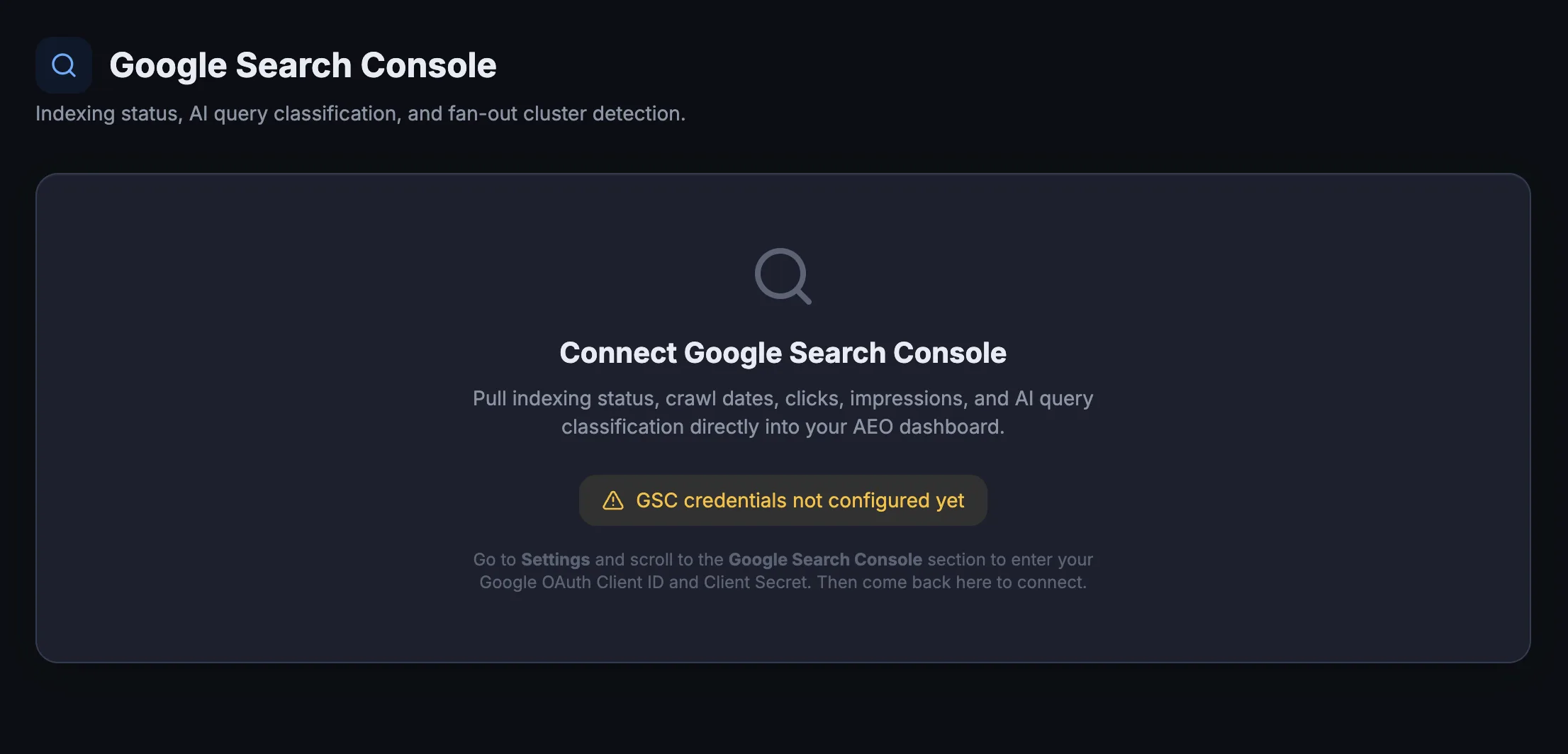
Most GSC integrations force you to create a Google Cloud project, generate
service account credentials, and paste JSON keys into settings. AEO God Mode handles all of that for
you. Click Connect to connect Google Search Console to an AEO monitoring platform, authorize your Google account, and the plugin stores an encrypted refresh token.
Your Google password never touches the plugin.
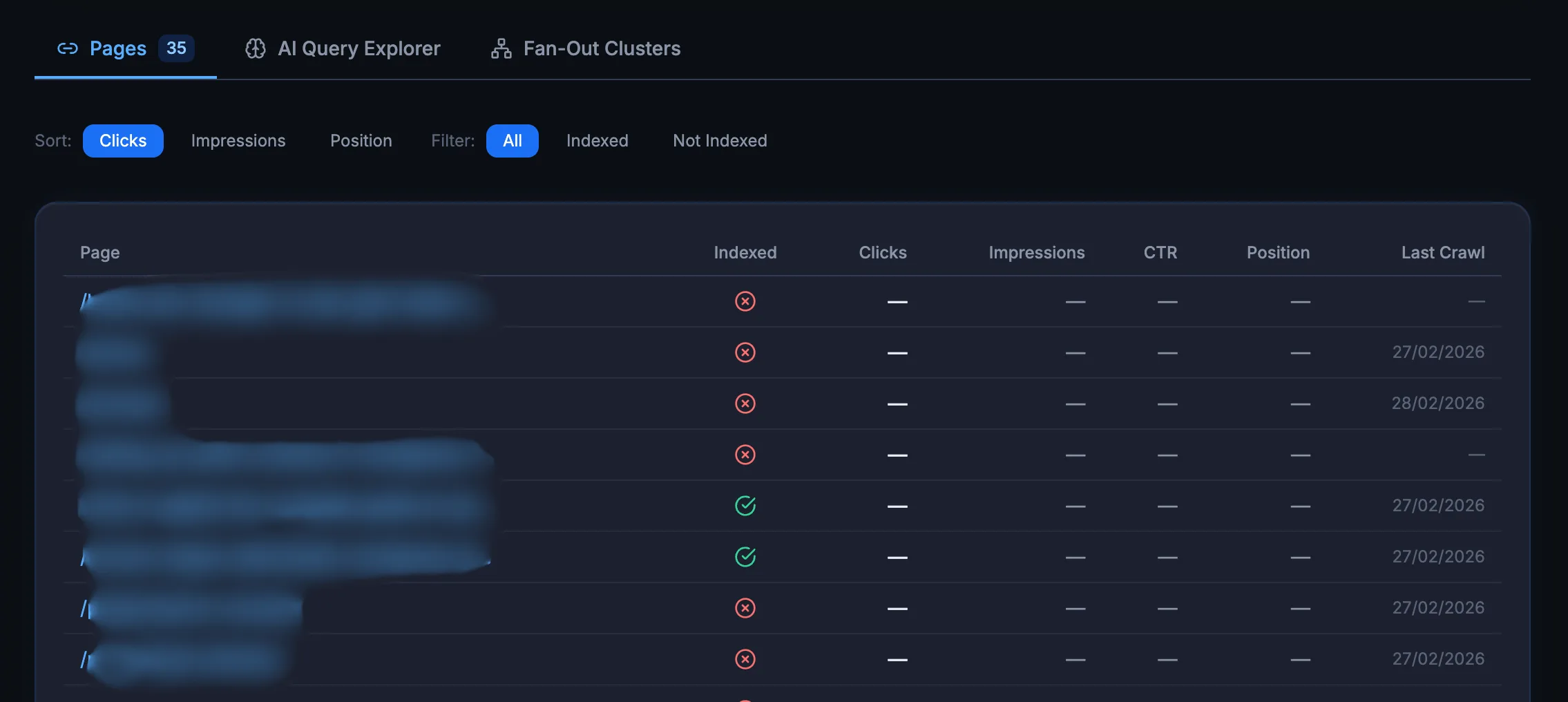
A page that Google hasn’t indexed cannot appear in AI Overviews. And AI
crawlers like GPTBot and OAI-SearchBot tend to follow Google’s index as a starting point. If your
page isn’t in the index, it’s invisible to every AI system that relies on web results. The Pages
table shows indexing status, last crawl date, impressions, and clicks for every published URL on
your site.
Not all search queries are typed into Google the same way. Some look like quick
lookups. Others look exactly like the kind of question someone would paste into ChatGPT or
Perplexity. The AI Query Explorer classifies every query your site receives using a 3-tier scoring
system and assigns a probability score from 0 to 100.
Queries that score 60+ are classified as
“high probability” AI-style queries. A site with many high-scoring queries is likely getting traffic
from people who also ask AI engines the same questions.
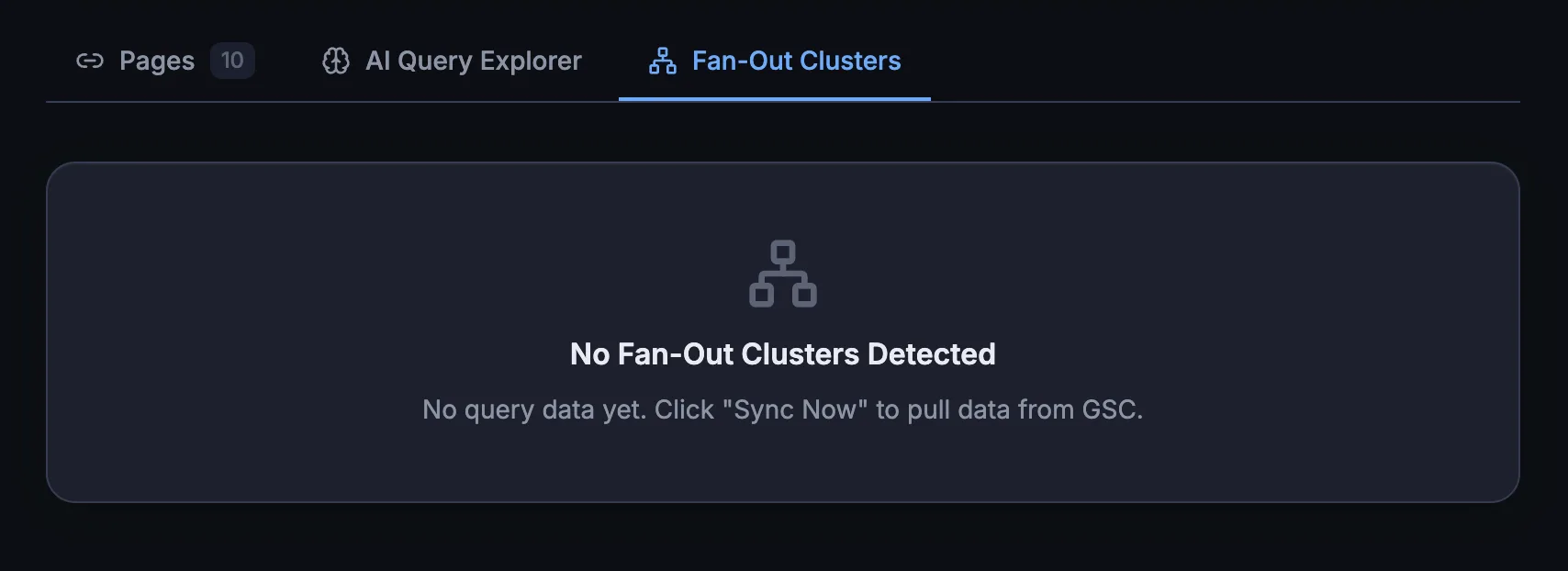
A “fan-out cluster” happens when a single search query triggers multiple pages
from your domain in Google’s results. This is a strong signal of topical authority. If Google trusts
your domain enough to show 3 or 4 of your pages for one query, AI engines are more likely to cite
you as a source on that topic.
The integration automatically detects these clusters
from your GSC data and shows them in a dedicated panel. You can see which topics your site dominates
and which ones need more content to build depth.
The integration surfaces GSC alerts directly in the AEO God Mode dashboard.
Pages that were crawled but not indexed, excluded by noindex tags, or returning redirect errors all
show up without you needing to open Google Search Console separately. This matters for AEO because
an unindexed page is an invisible page.
Traditional SEO tools show you Google data. AEO God Mode shows
you AI crawler data. The GSC Integration puts both datasets side by side so you can answer the question that
matters: Is this page indexed, crawled by AI bots, and structured for citation?
Your strongest candidate for AI
citations. Schema and content quality determine the rest.
Google sees it, but AI bots skip it.
Check your robots.txt and AI Crawler Allowlist settings.
Invisible to everything. Fix the indexing
issue first. No amount of AEO optimization helps an unindexed page.
In AEO God Mode, click Connect in the dashboard and authorize with your Google account. No Google Cloud project, no JSON key files. The plugin handles the OAuth flow and stores an encrypted refresh token, not your Google password. Disconnect any time with one click.
Per-page indexing status, last crawl date, impressions, and clicks. Plus alerts for pages with indexing issues.
If a page is indexed by Google and crawled by GPTBot, it has the best chance of being cited by AI engines. If it is indexed but no AI bots visit it, something is wrong with your crawler access settings.
Yes. GSC integration requires a Pro license.